
First Time User Guide: Recording Application
As outlined in our latest release announcement, TopMod QA's version 2.2 release has overhauled the user journey and user interface of the recording application to make the process of capturing test footage easier than ever before.
This article provides you with a step-by-step guide to using the TopMod QA Recording App. For those that would prefer it, we have a video version of this guide below.
GettingUser Started TutorialGuide
1. Login
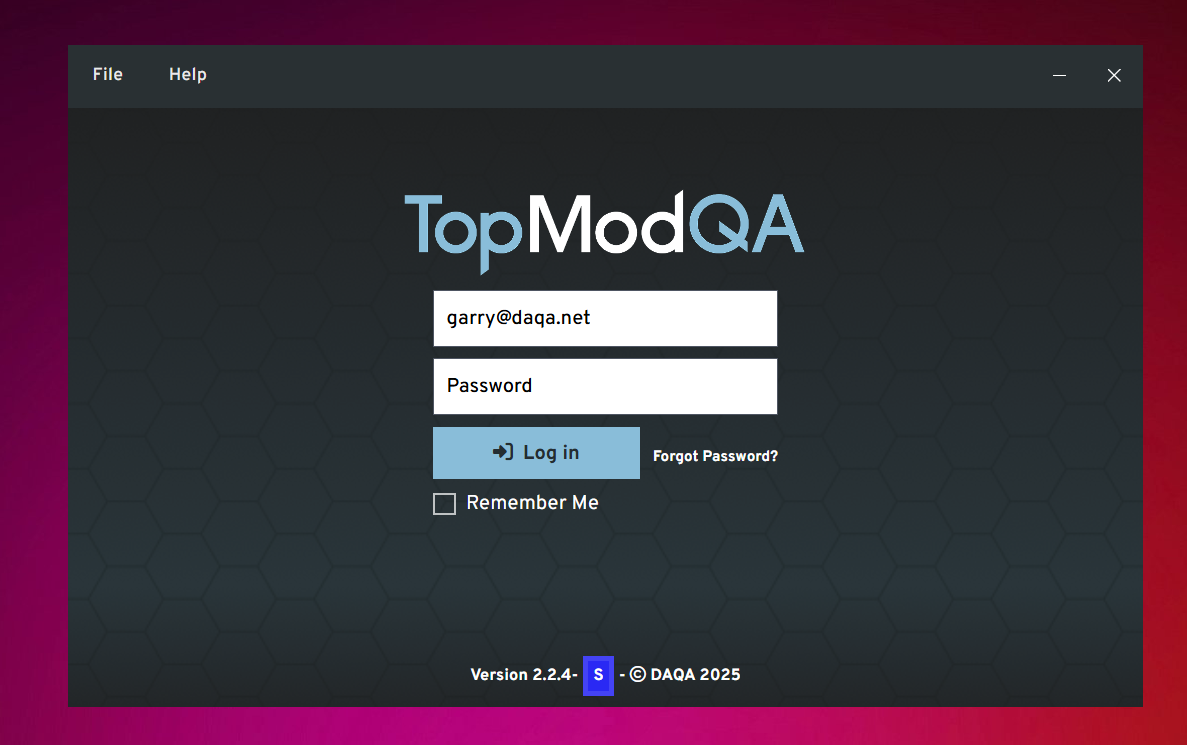
Text here
2. Homepage
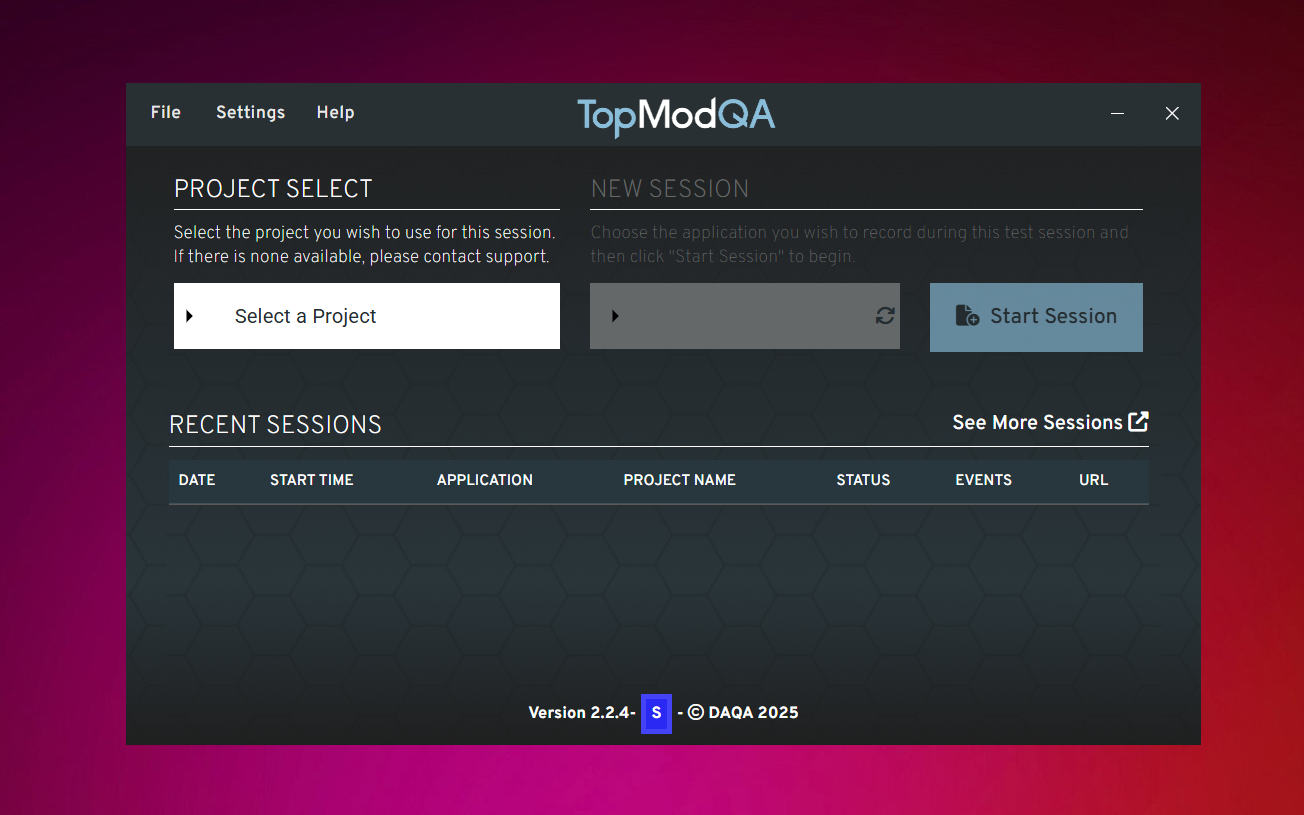
Text
3. Settings
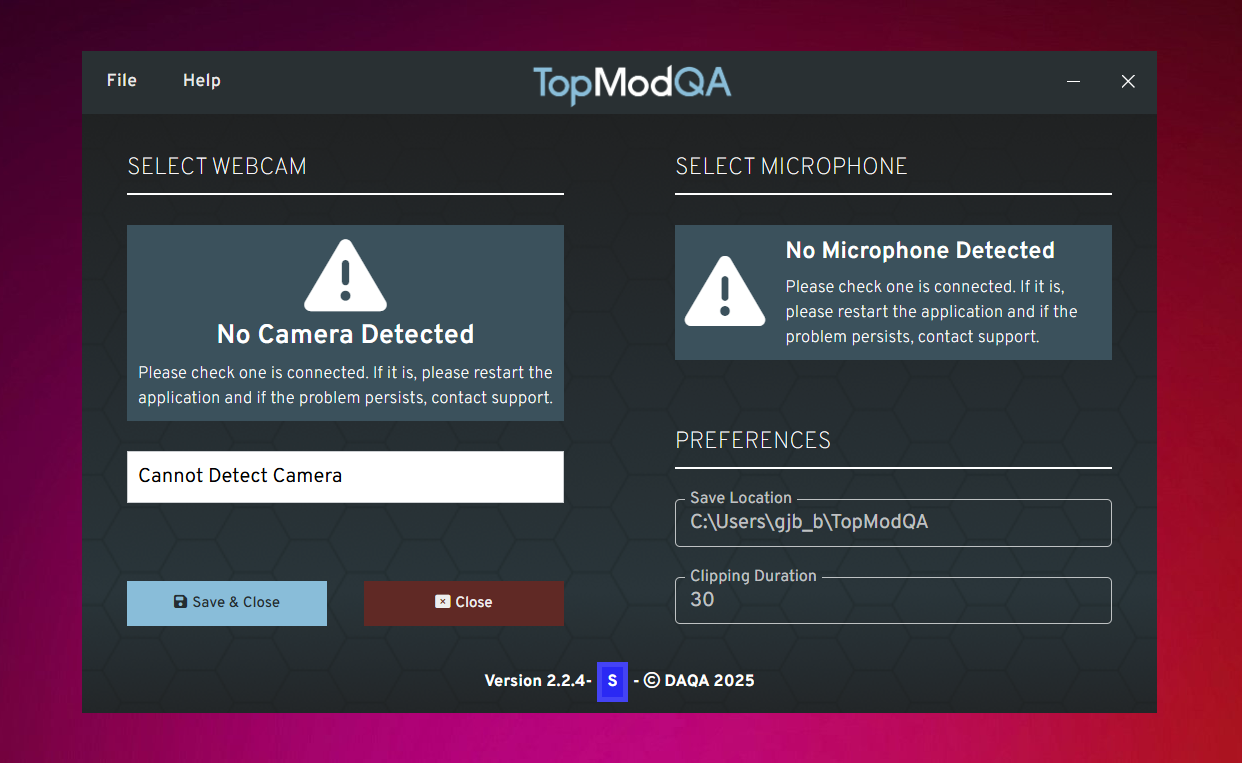
Text
4. Application Select
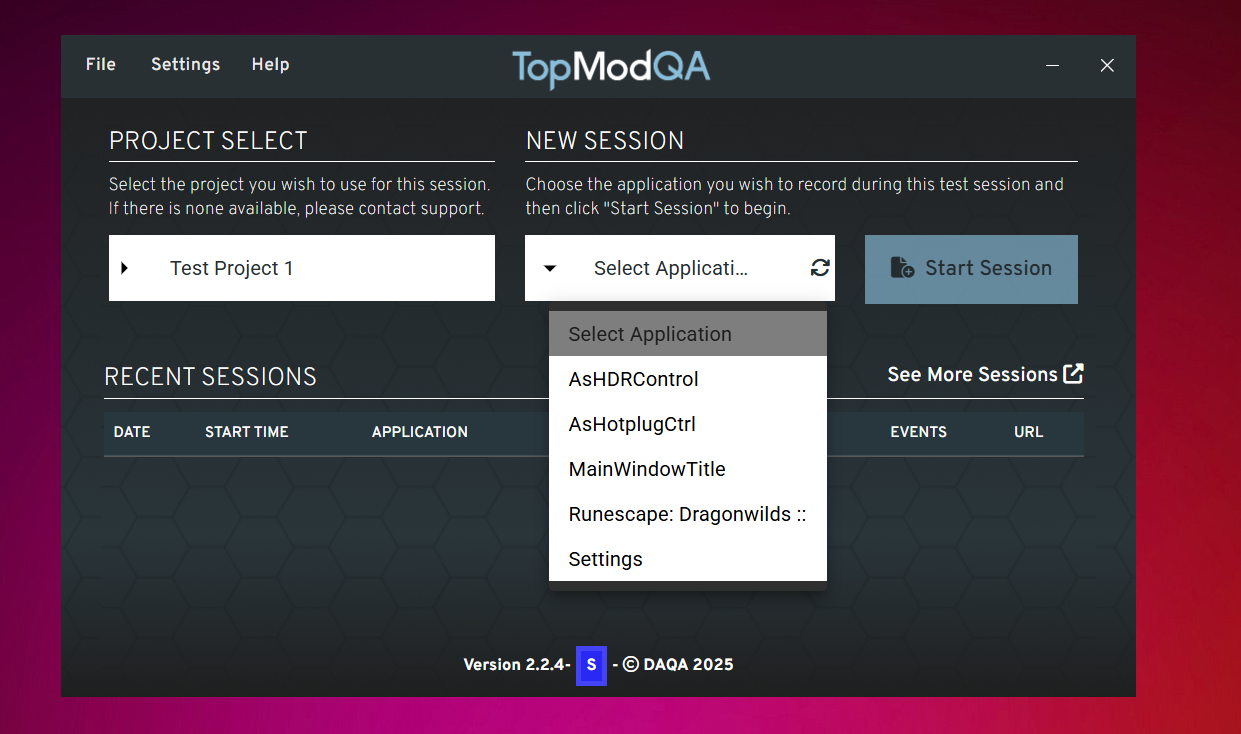
5. Start Session
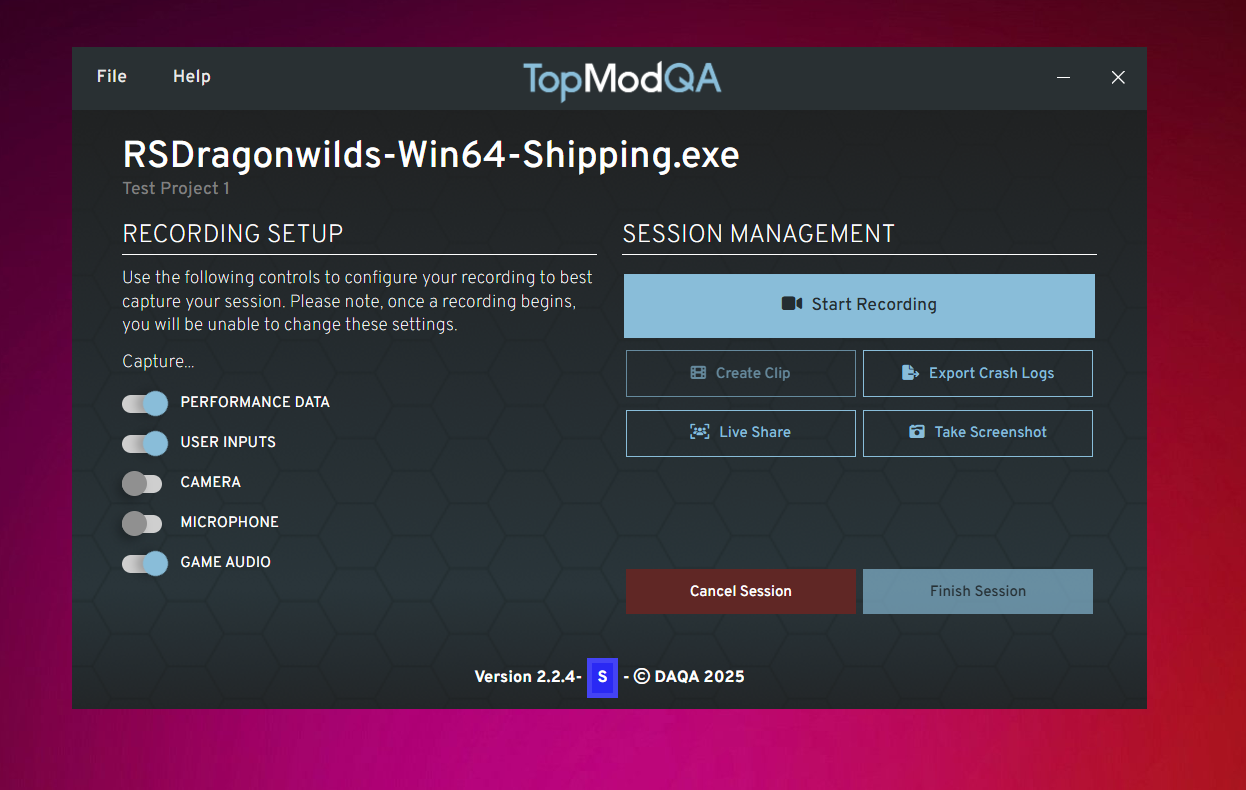
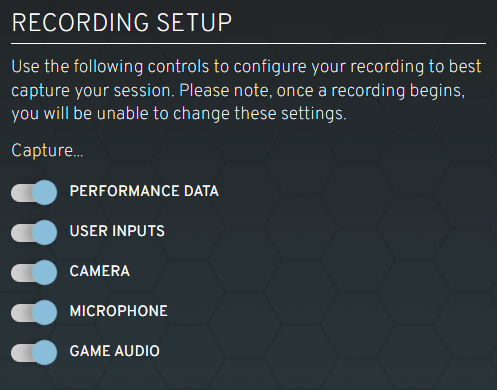
6. Recording Setup
7. Session Management
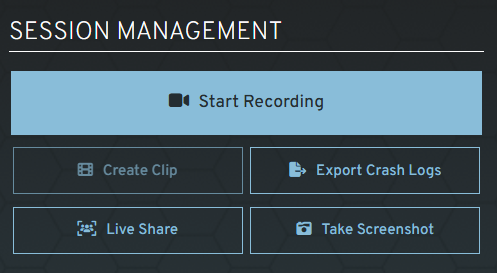
Export Crash Logs and Live Share in other article - Advanced Events
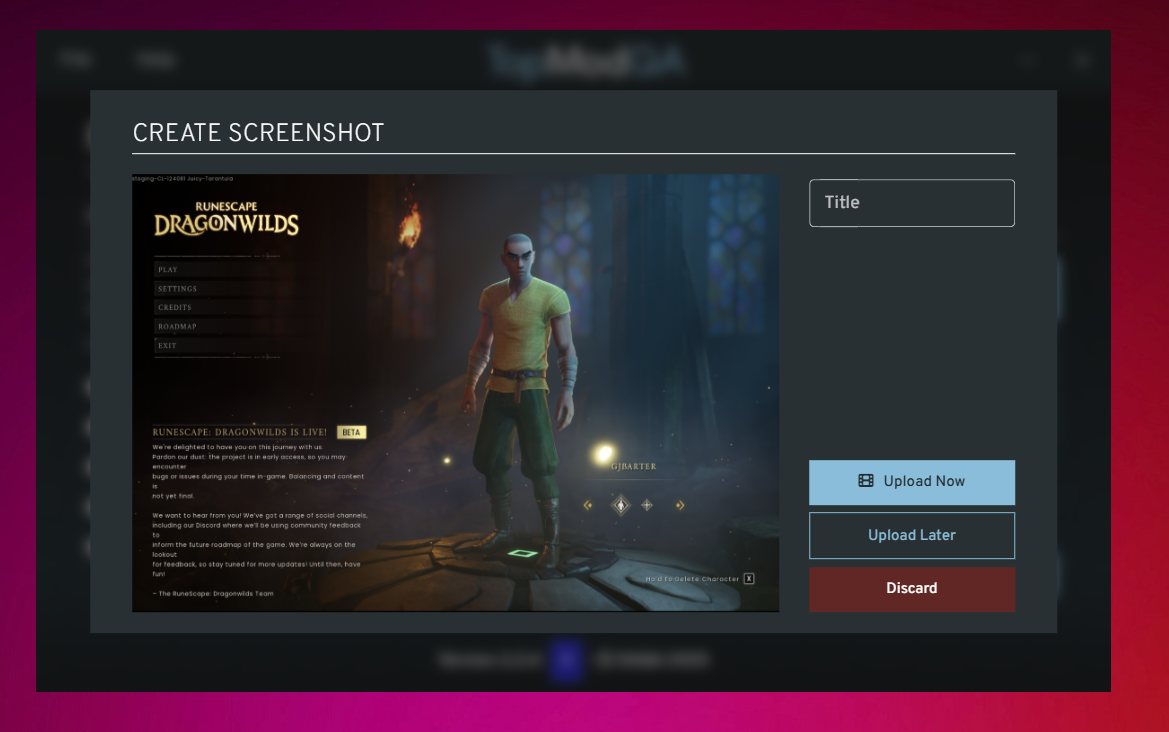
8. Capture Screenshot
9. Start Recording
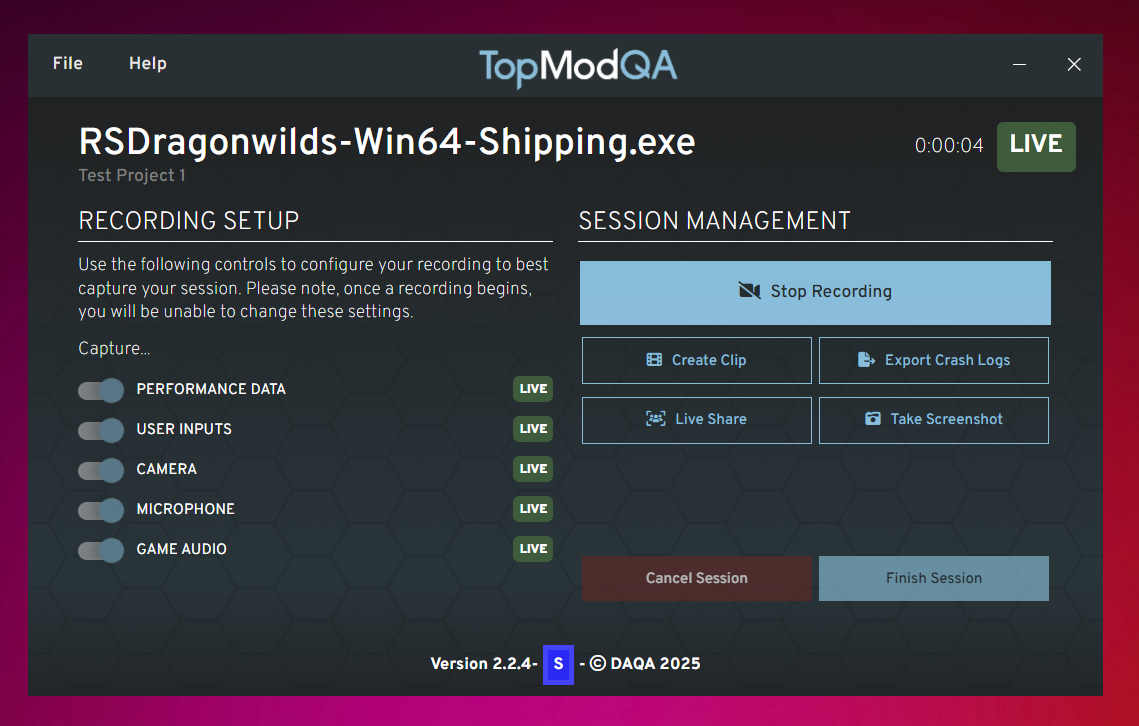
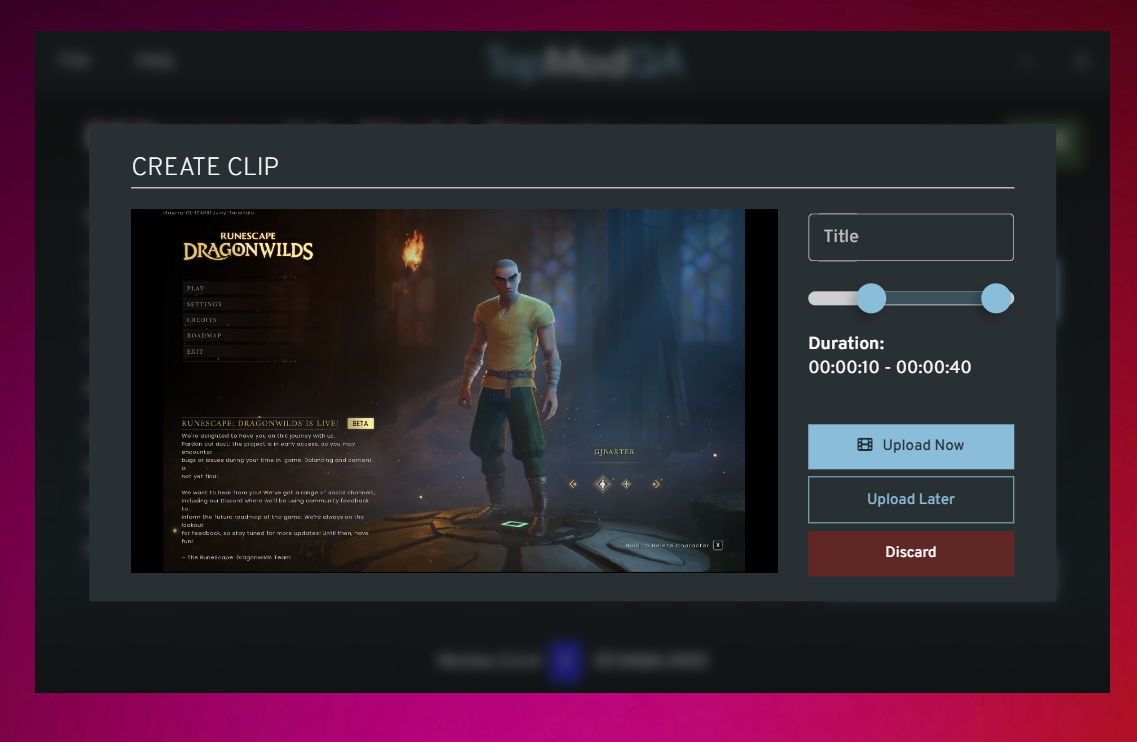
10. Create Clip
11. Finish Recording
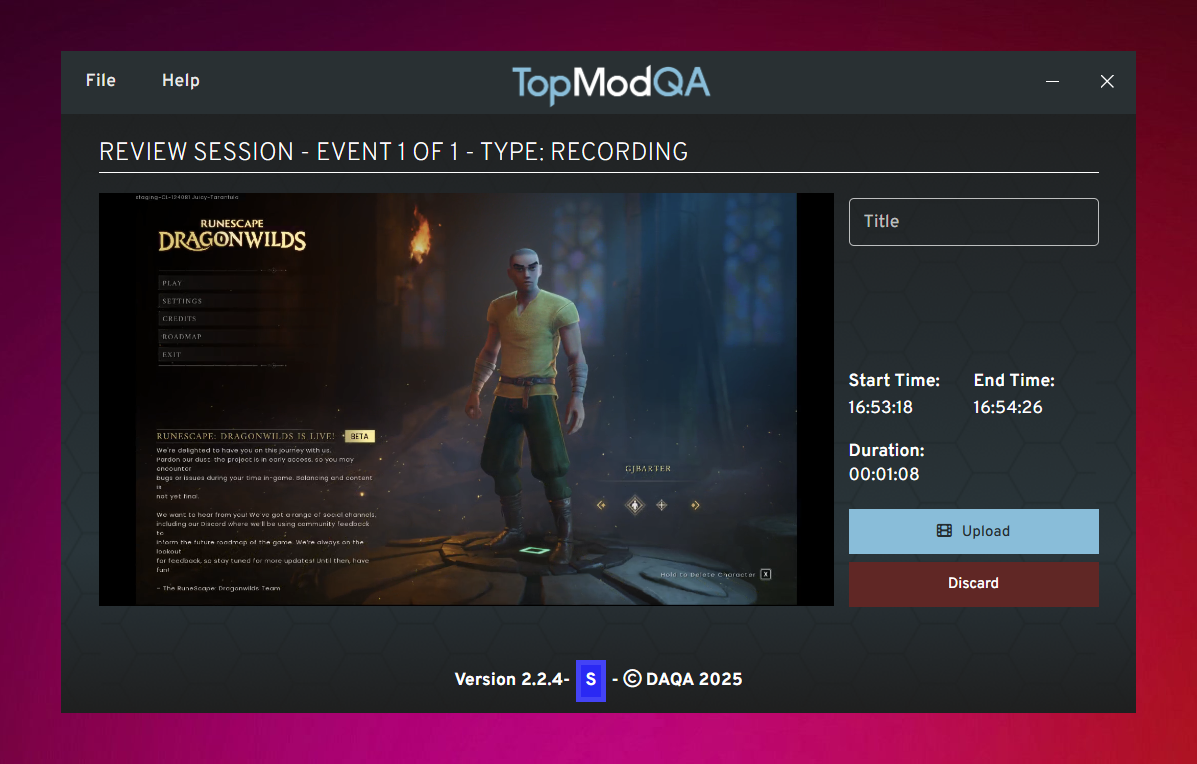
Cancel Recording
12. Session Complete
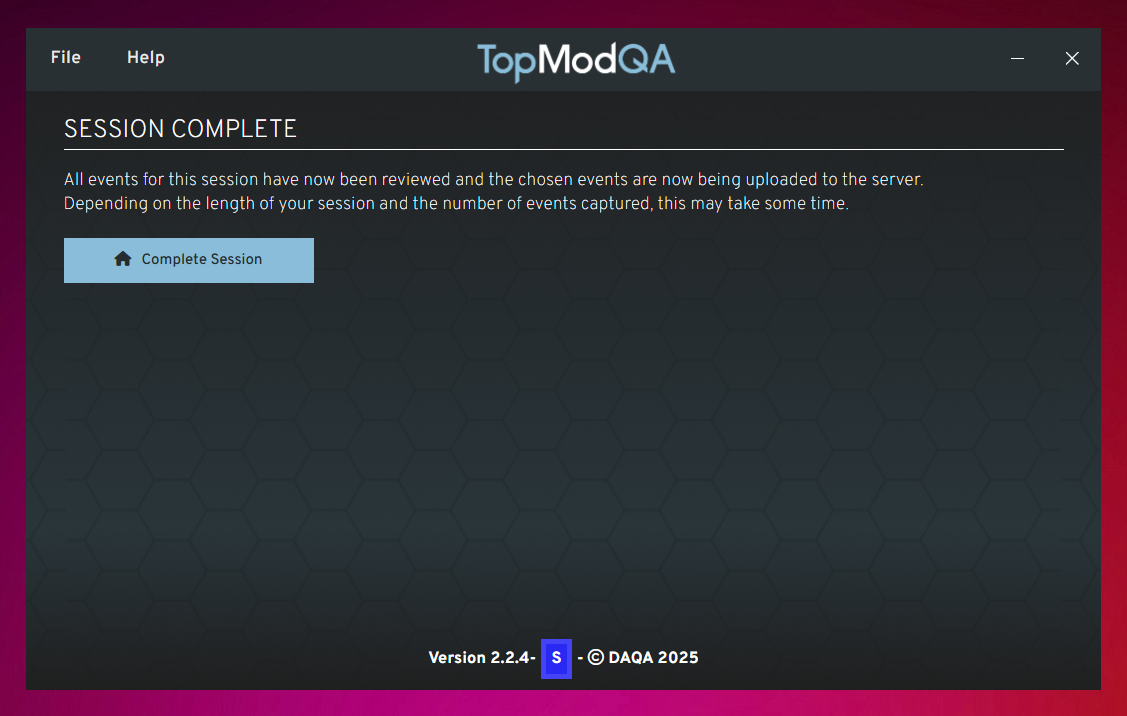
13. View Session
Link to Getting Started with Dashboard